Message Actions
Interact with messages using various actions.
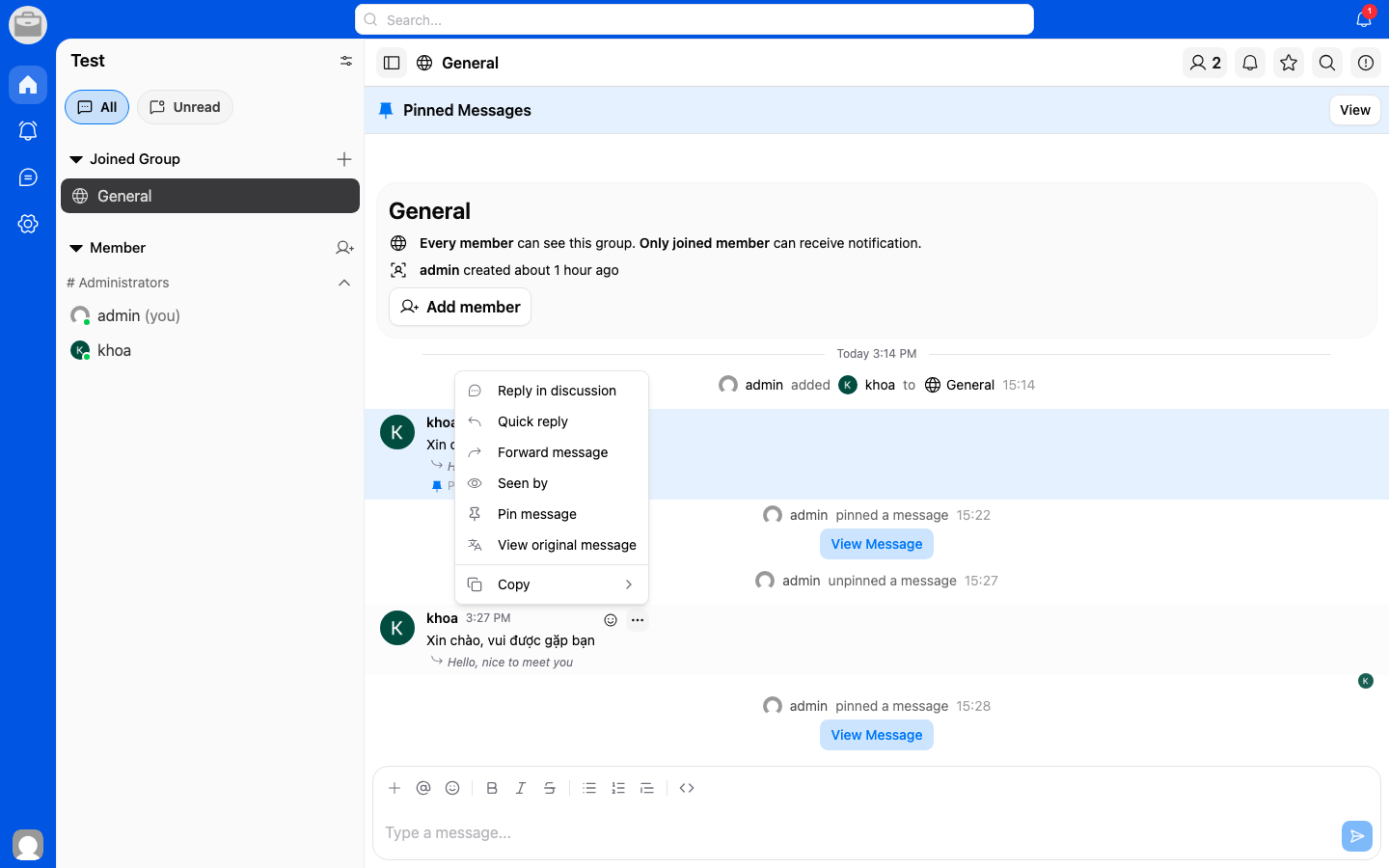
Available Actions
Long-press or right-click on any message to access these actions:
- Reply — Reply to a specific message in the conversation.
- Forward — Send the message to another conversation. See Forwarding.
- Copy — Copy the message text to your clipboard.
- Pin — Pin important messages for easy access. See Pinned Messages.
- React — Add an emoji reaction to a message.
- Delete — Delete a message you sent.
Emoji Reactions
- Long-press on a message.
- Select an emoji from the quick reaction bar, or tap the + to open the full emoji picker.
- Your reaction will appear below the message.