Switch Workspace
If you belong to multiple workspaces, you can easily switch between them.
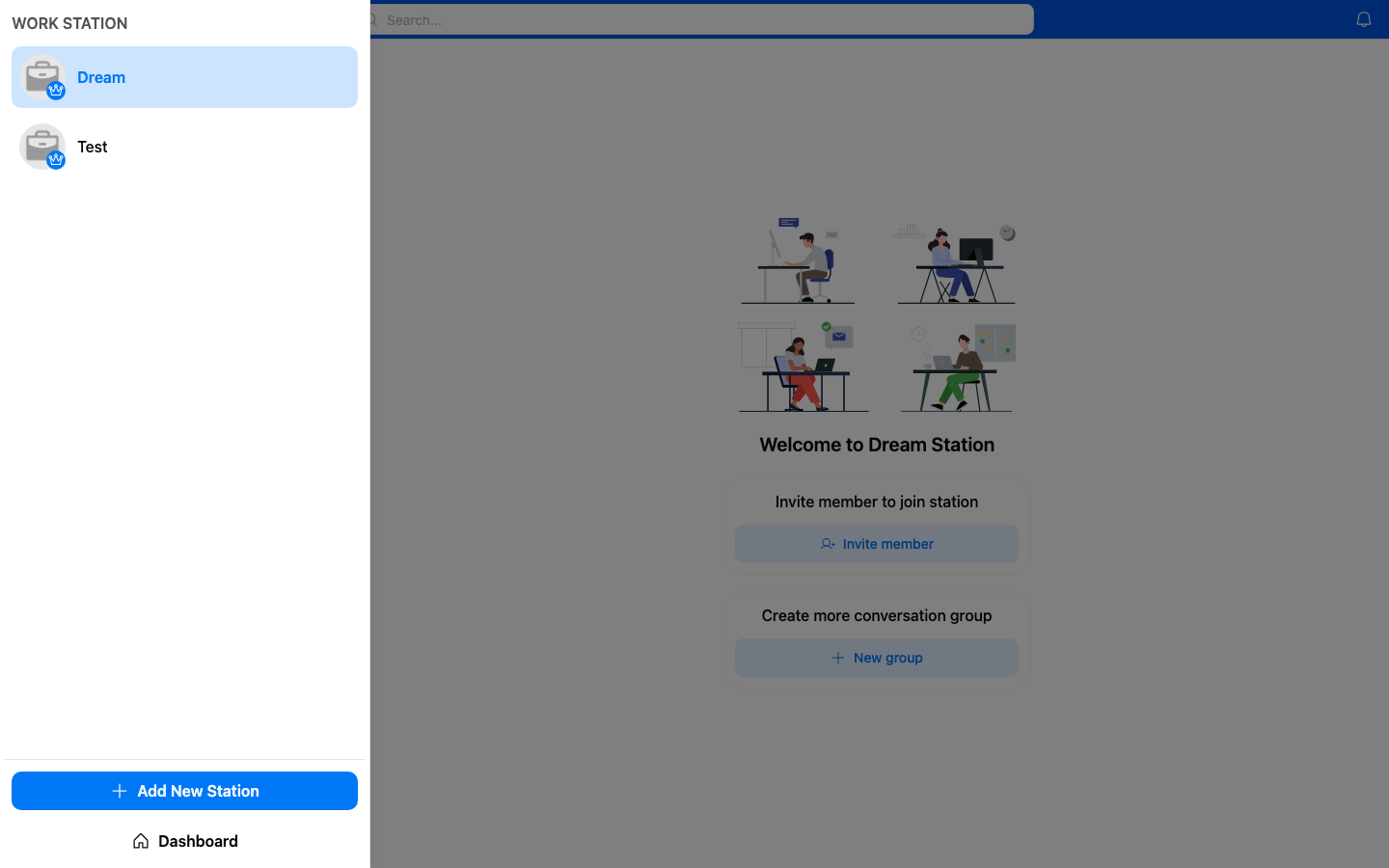
How to Switch
- Tap the workspace name or icon in the sidebar/navigation.
- Select the workspace you want to switch to from the list.
- You'll be taken to that workspace's home screen.
Workspace List
Your workspace list shows all workspaces you're a member of. The currently active workspace is highlighted.