Change Password
Update your account password for security.
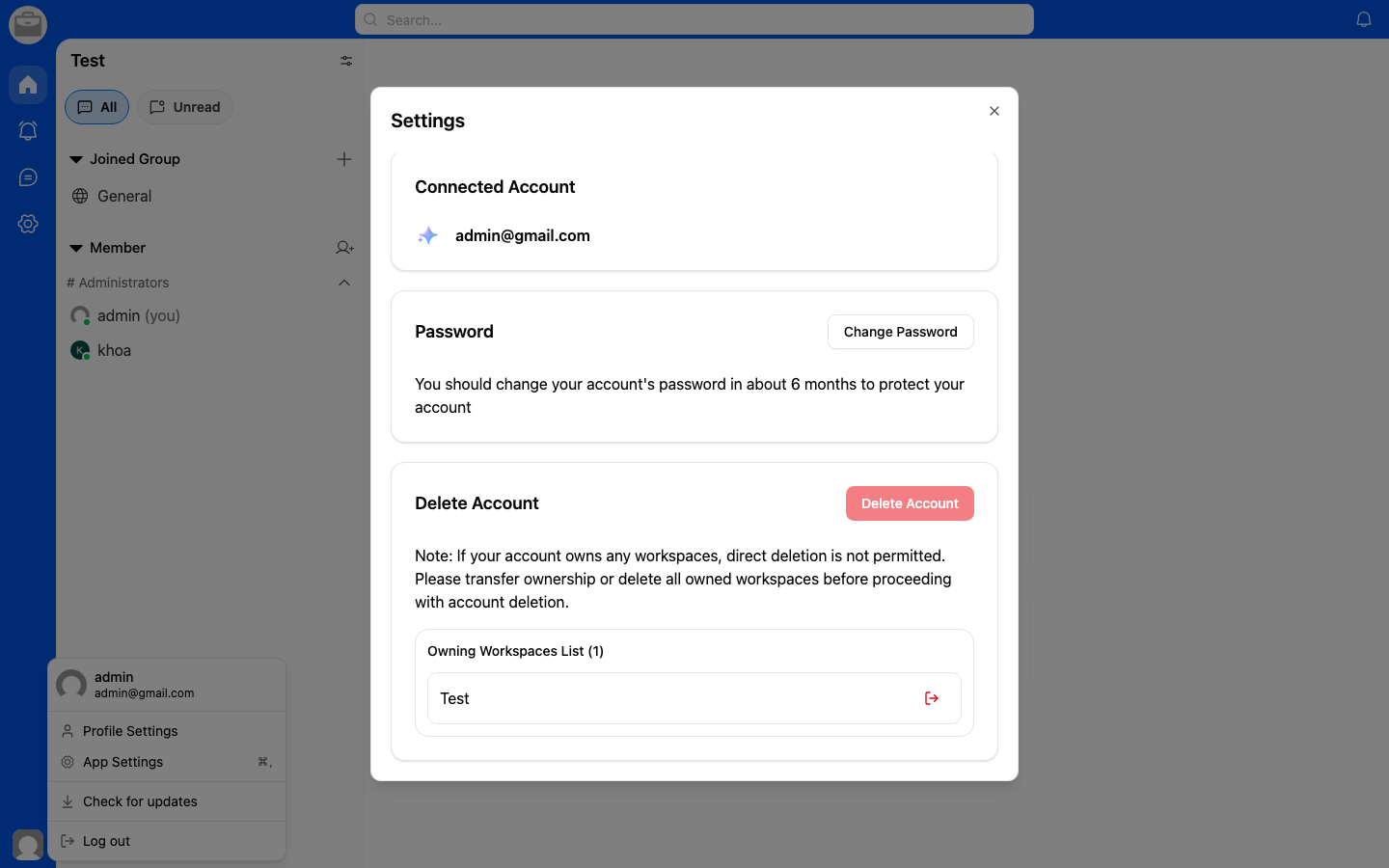
Change Your Password
- Go to Account Settings.
- Select Change Password.
- Enter your current password.
- Enter and confirm your new password.
- Tap Save.
Password Requirements
- Minimum length requirement
- Must include a mix of characters for security
Forgot Your Password?
If you can't remember your current password, log out and use the Forgot Password flow from the login screen.