Profile Settings
Manage your personal profile information.
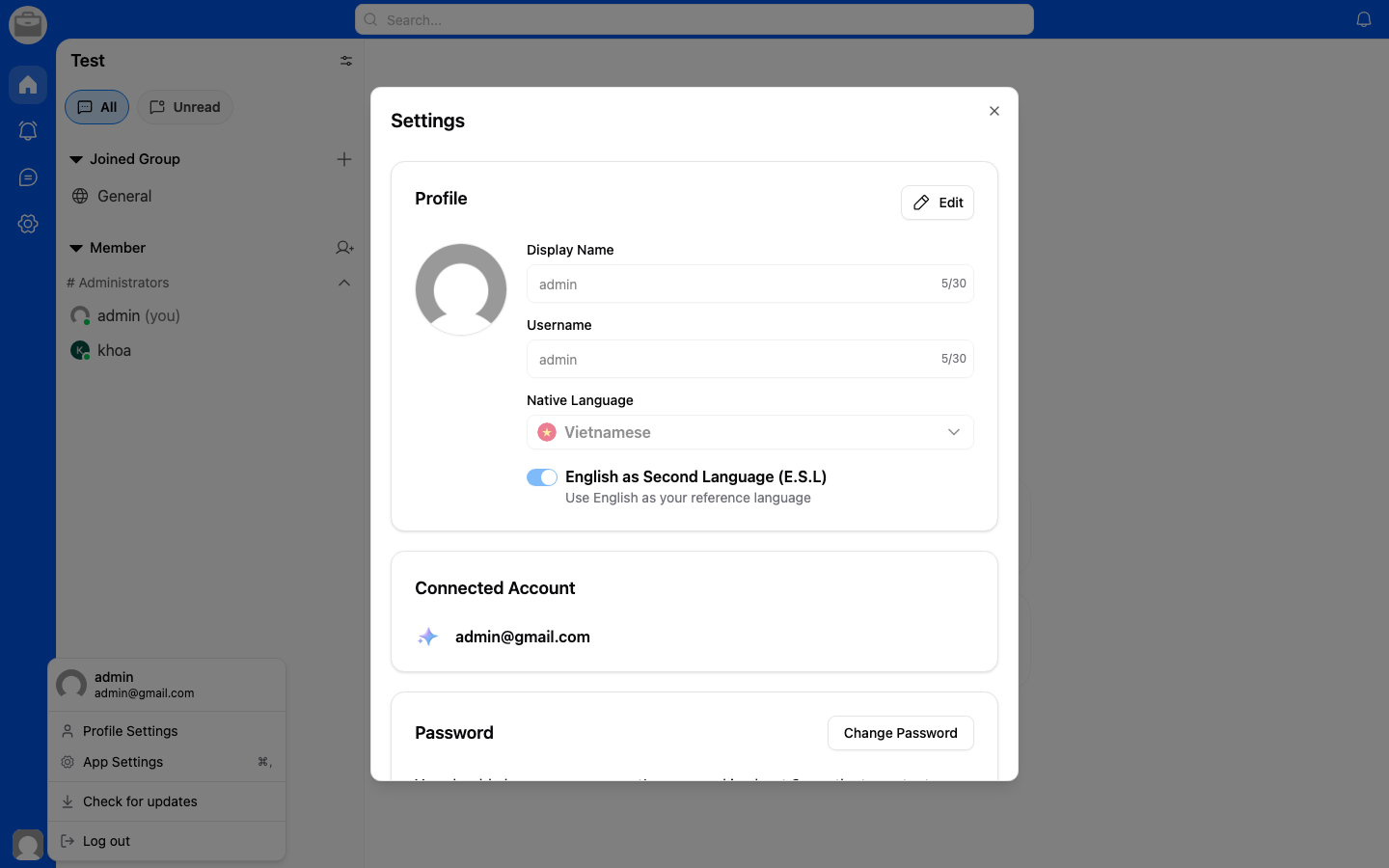
Edit Your Profile
- Go to Account Settings.
- Select Profile.
- Update your information:
- Display name — The name others see in the workspace.
- Profile picture — Upload or change your avatar.
- Tap Save.
Profile Visibility
Your profile information (name and avatar) is visible to all members of workspaces you belong to.