Teams
Organize workspace members into teams for easier management and communication.
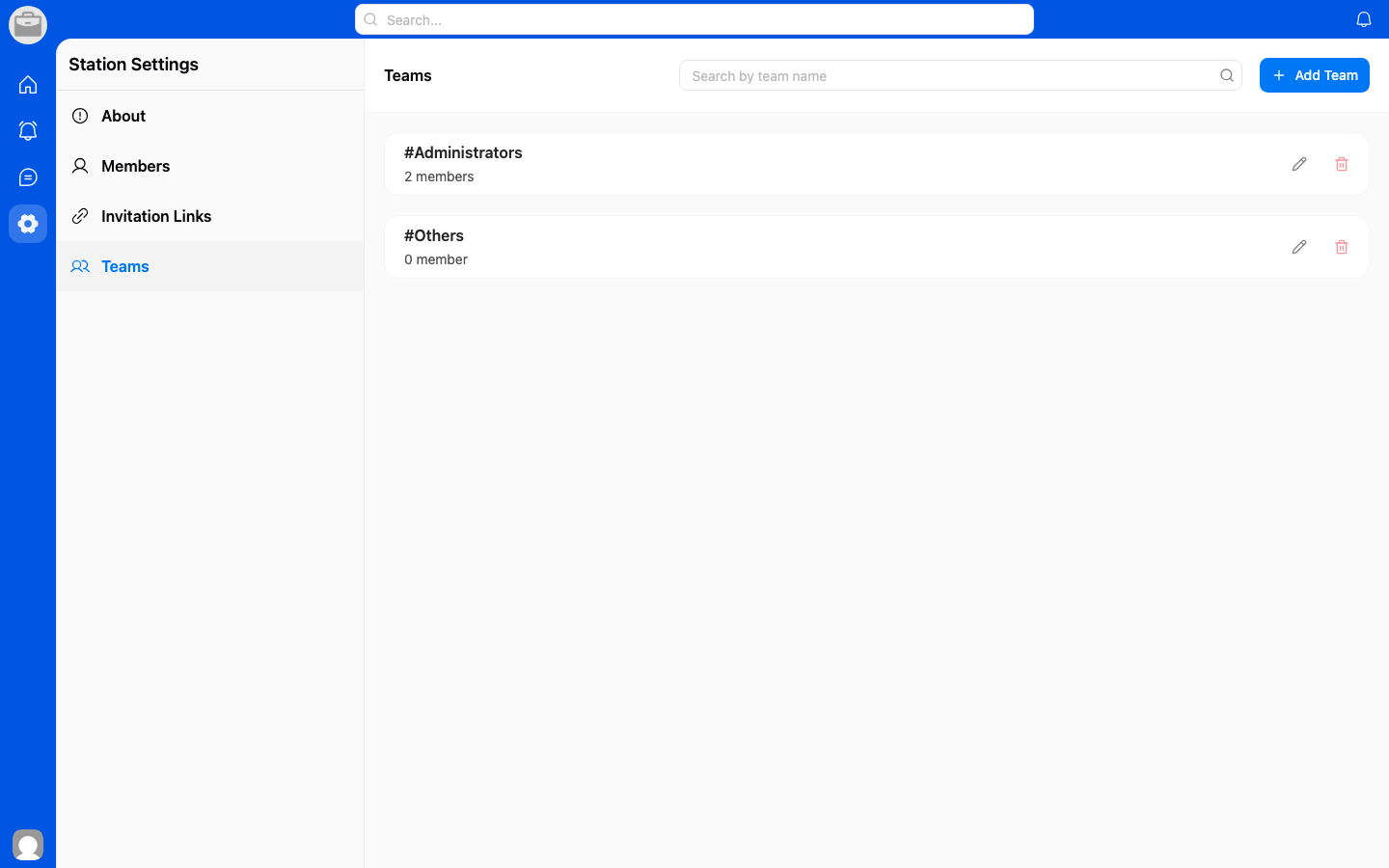
View Teams
- Go to Workspace Settings.
- Select Teams.
- Browse existing teams.
Create a Team
- Tap Create Team.
- Enter a team name.
- Add members to the team.
- Tap Create.
Manage Teams
- Edit — Change the team name or members.
- Delete — Remove a team (members remain in the workspace).