Create a Workspace
A workspace is the central hub for your team or organization in Unio.
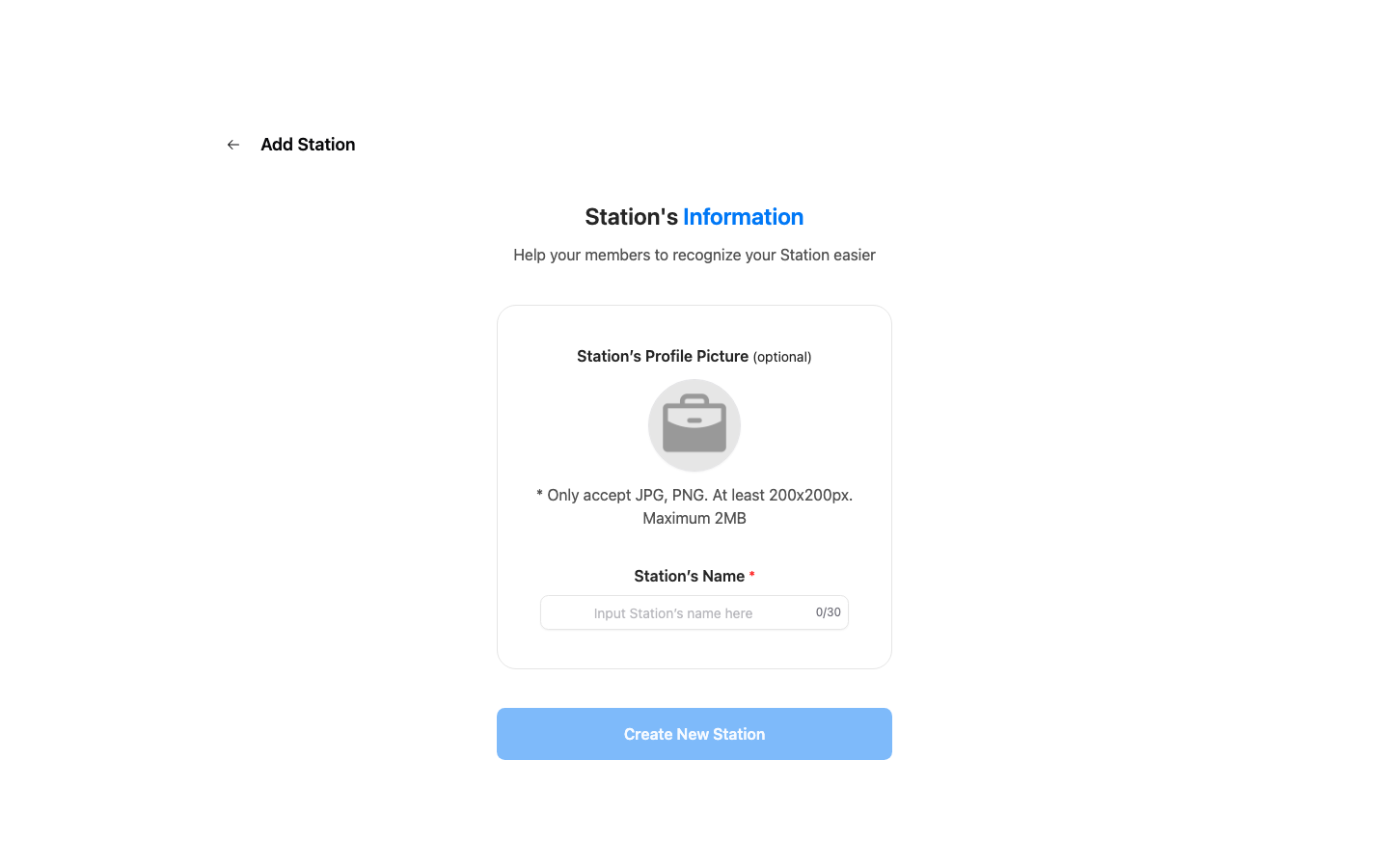
How to Create a Workspace
- From the home screen, tap the Add Workspace button.
- Enter a name for your workspace.
- Customize your workspace settings (optional).
- Tap Create.
Your new workspace is ready. You can now invite members and start communicating.
What's Included
Each workspace comes with:
- Direct messaging between members
- Group chat rooms
- Project management tools
- Translation capabilities
- Notification settings