Group Chats
Create group conversations with multiple workspace members.
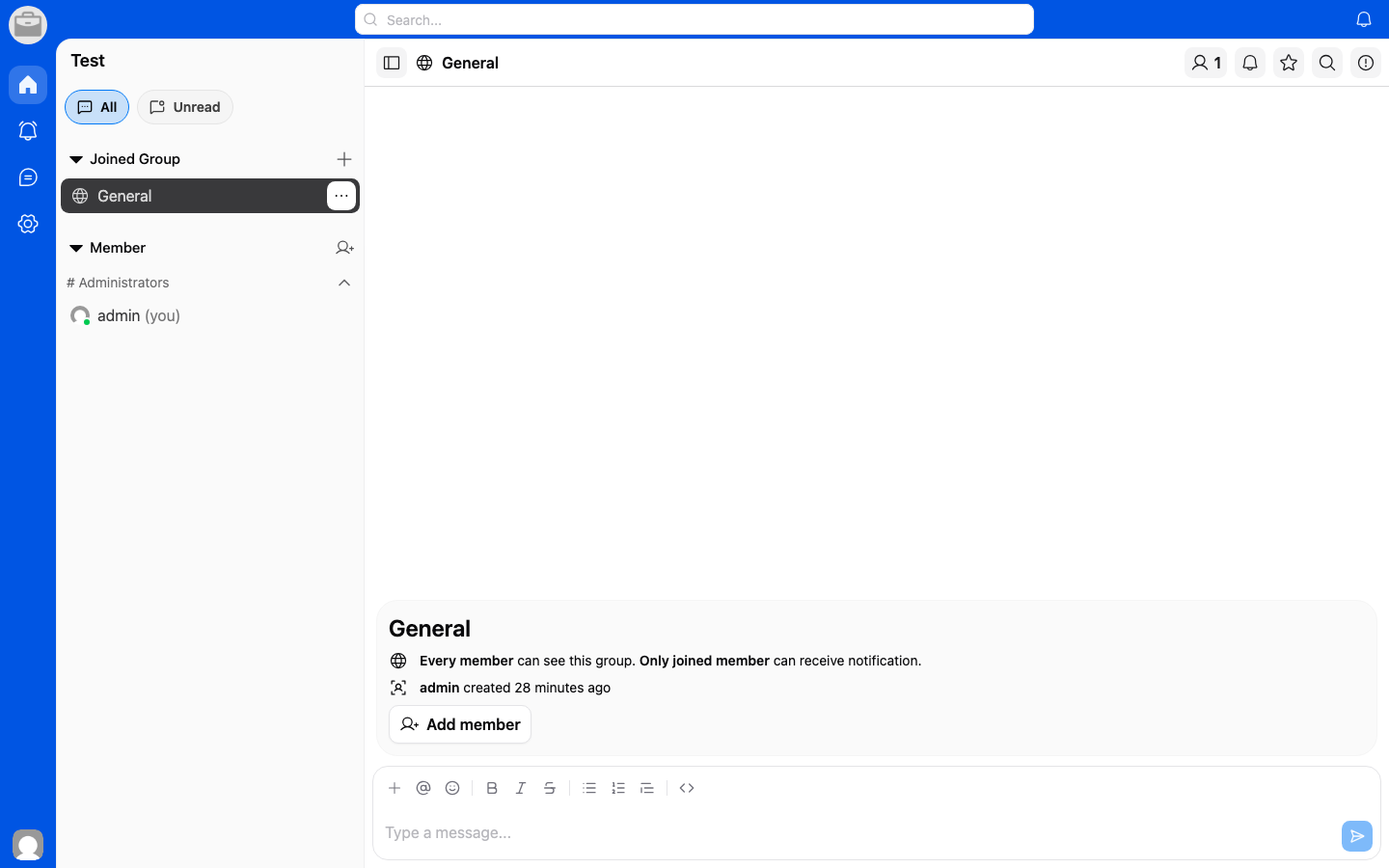
Create a Group Chat
- Tap the New Message or + button.
- Select Create Group.
- Add members to the group.
- Give your group a name (optional).
- Tap Create.
Managing a Group
- Add members — Open group settings and invite new members.
- Group settings — Change the group name, avatar, or notification preferences.
- Leave group — You can leave a group at any time from the group settings.