Direct Messages
Send private messages to any member in your workspace.
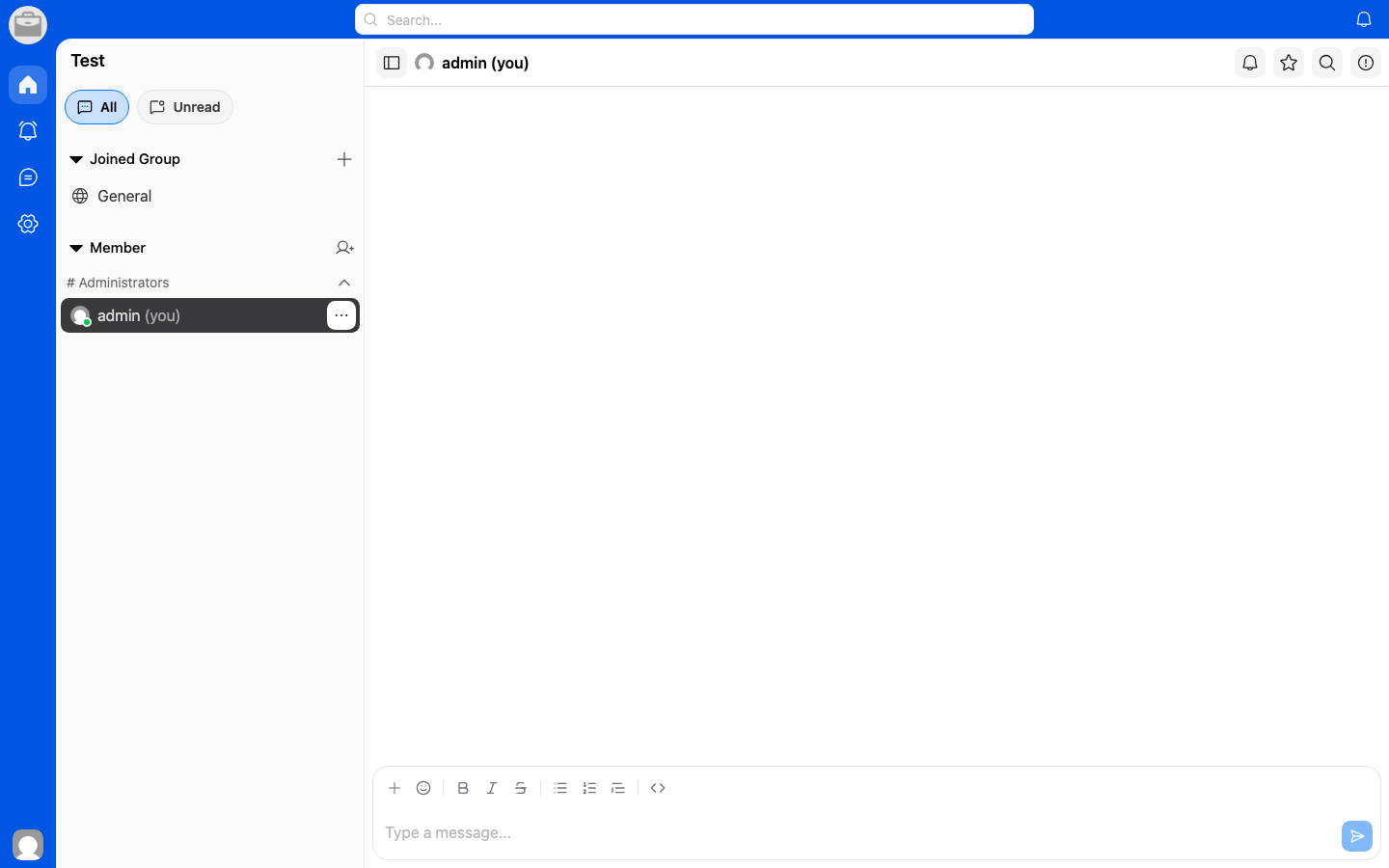
Start a Direct Message
- From the home screen, tap the New Message or + button.
- Search for and select the person you want to message.
- Type your message and tap Send.
Features
- Real-time messaging — Messages are delivered instantly.
- Read receipts — See when your message has been read.
- Online status — See who is currently online.
- Typing indicators — See when someone is typing a reply.