Discussions
Discussions allow you to have threaded conversations within a workspace.
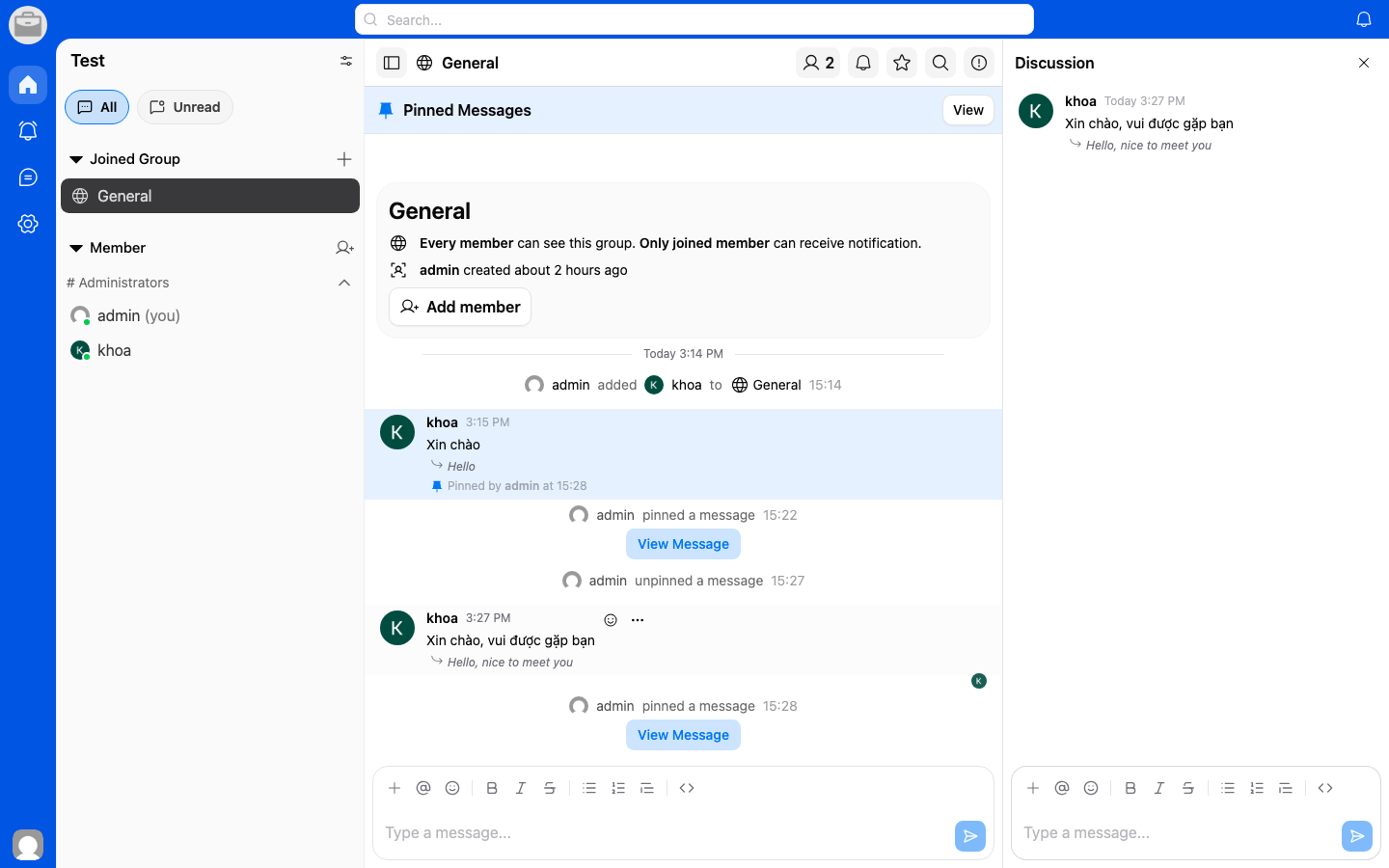
What are Discussions?
Discussions are separate conversation threads that help organize topic-based conversations. Unlike regular chat rooms, discussions are designed for structured, topic-focused communication.
Start a Discussion
- Navigate to the Discussions tab in your workspace.
- Tap New Discussion or the + button.
- Enter a topic or title for the discussion.
- Add your initial message.
- Tap Create.
Participate in a Discussion
- Open a discussion from the list.
- Read through the conversation thread.
- Add your reply at the bottom of the thread.
Benefits
- Keep conversations organized by topic.
- Reduce noise in main chat rooms.
- Easily reference past discussions.