Notifications
Stay up to date with what's happening in your workspaces.
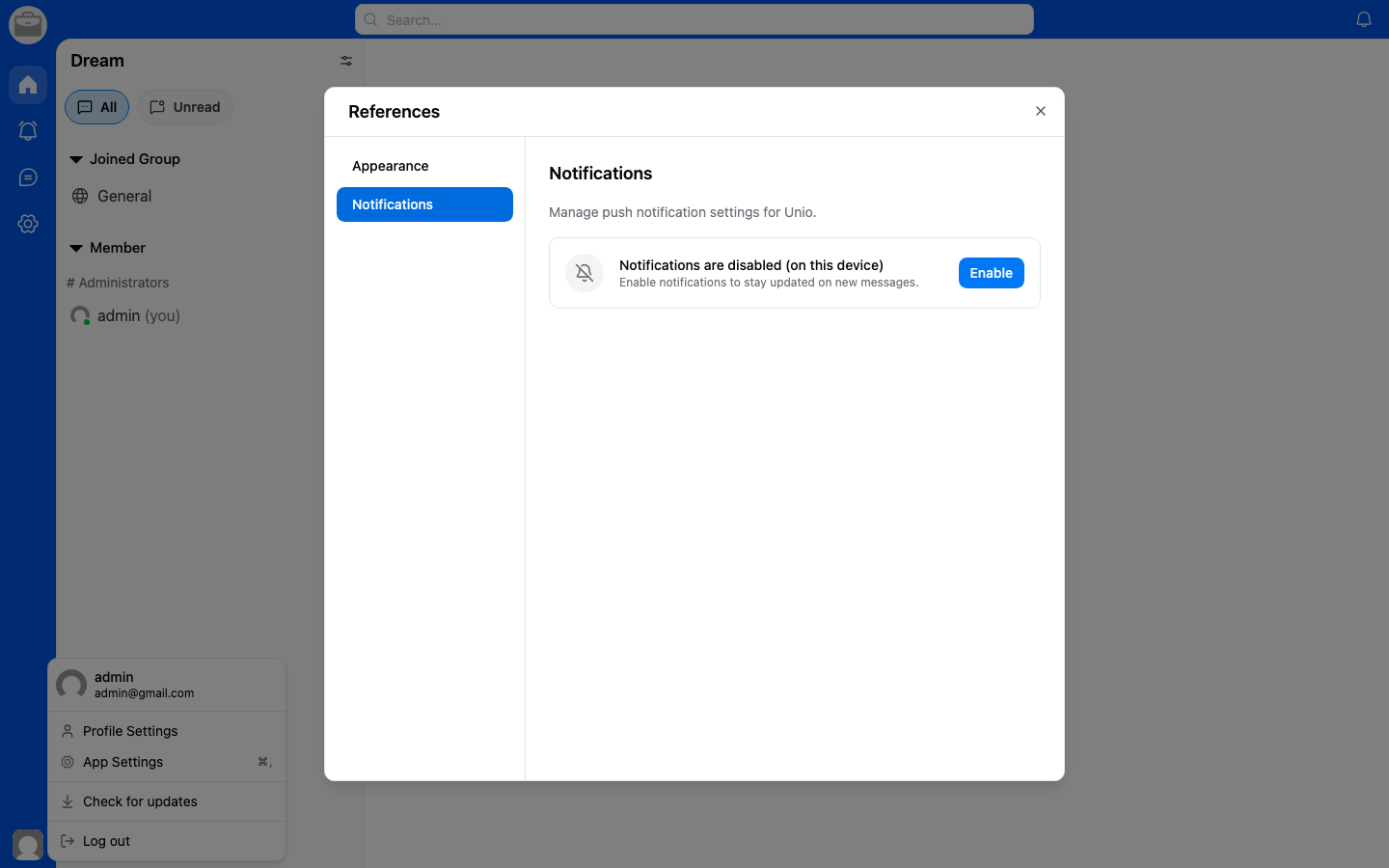
Notification Center
- Tap the Notifications bell icon in your workspace.
- View a list of recent notifications.
- Tap a notification to navigate to the relevant conversation or activity.
Types of Notifications
- New messages — When someone sends you a message.
- Mentions — When someone mentions you in a conversation.
- Invitations — When you're invited to a workspace or conversation.
- Project updates — When there are changes in your projects.