Workspace Members
Manage who has access to your workspace.
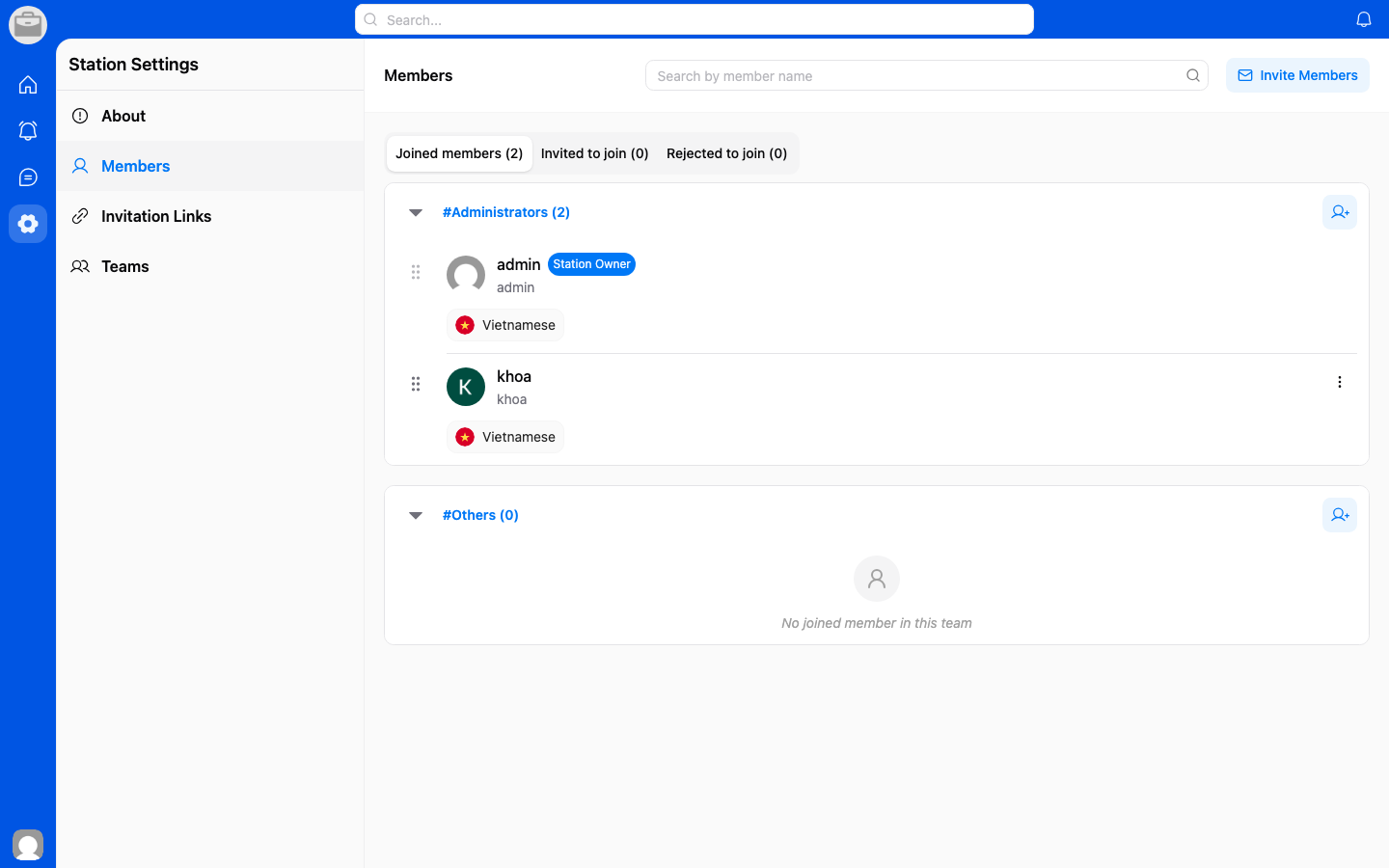
View Members
- Go to Workspace Settings.
- Select Members.
- Browse the list of current workspace members.
Invite Members
- From the Members page, tap Invite.
- Enter the email address or share an invitation link.
- The invited person will receive a notification or email.
Remove Members
- Find the member in the members list.
- Tap on their name.
- Select Remove from workspace.
Roles
Members can have different roles with varying levels of access. See Permissions for details.