Invitations
Manage pending invitations and invitation links for your workspace.
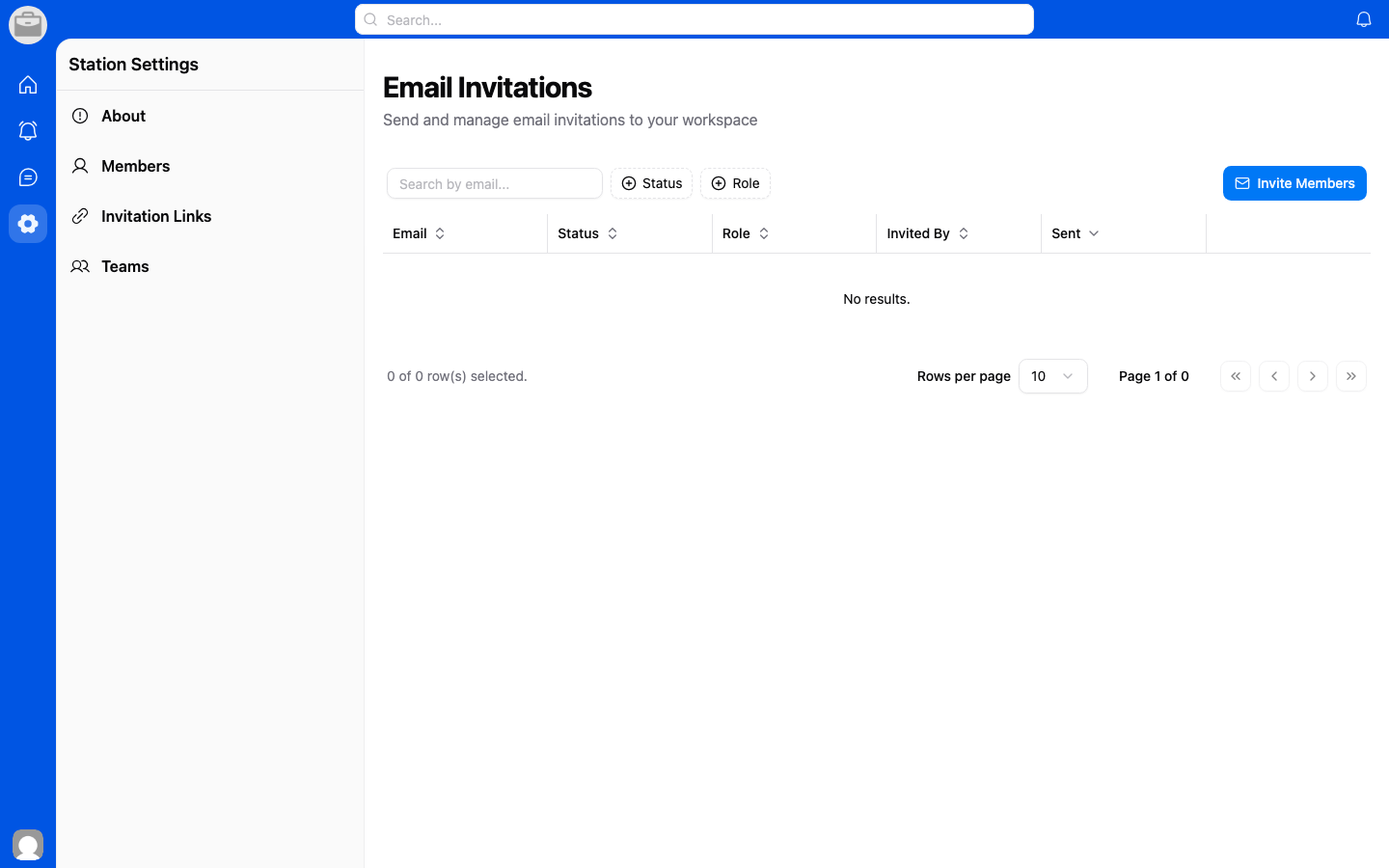
Pending Invitations
- Go to Workspace Settings > Invitations.
- View all pending invitations.
- Resend or cancel invitations as needed.
Invitation Links
- Go to Workspace Settings > Invitation Links.
- Create a shareable link that allows anyone with the link to join.
- Set an expiration or usage limit for the link (optional).
- Copy and share the link with your team.
External Guests
You can invite external guests who aren't part of your organization:
- Go to Workspace Settings > External Guests.
- Manage guest access and permissions.