Pinned Messages
Pin important messages so they're easy to find later.
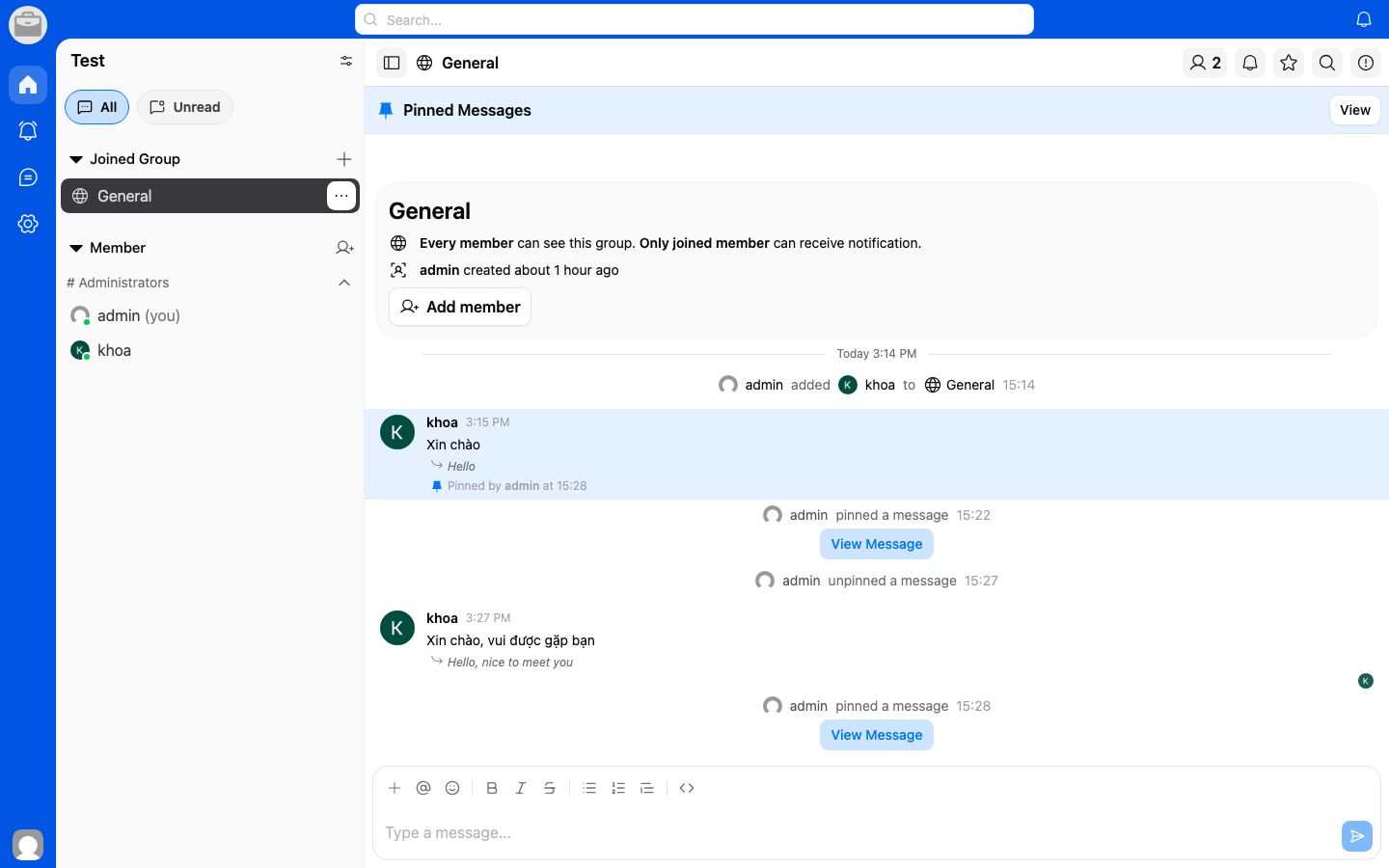
Pin a Message
- Long-press or right-click on a message.
- Select Pin.
- The message will be pinned to the conversation.
View Pinned Messages
- Open the conversation.
- Tap the Pin icon in the conversation header.
- A list of all pinned messages will appear.
Unpin a Message
- Open the pinned messages list.
- Tap Unpin next to the message you want to remove.