App Settings
Customize how the Unio app behaves on your device.
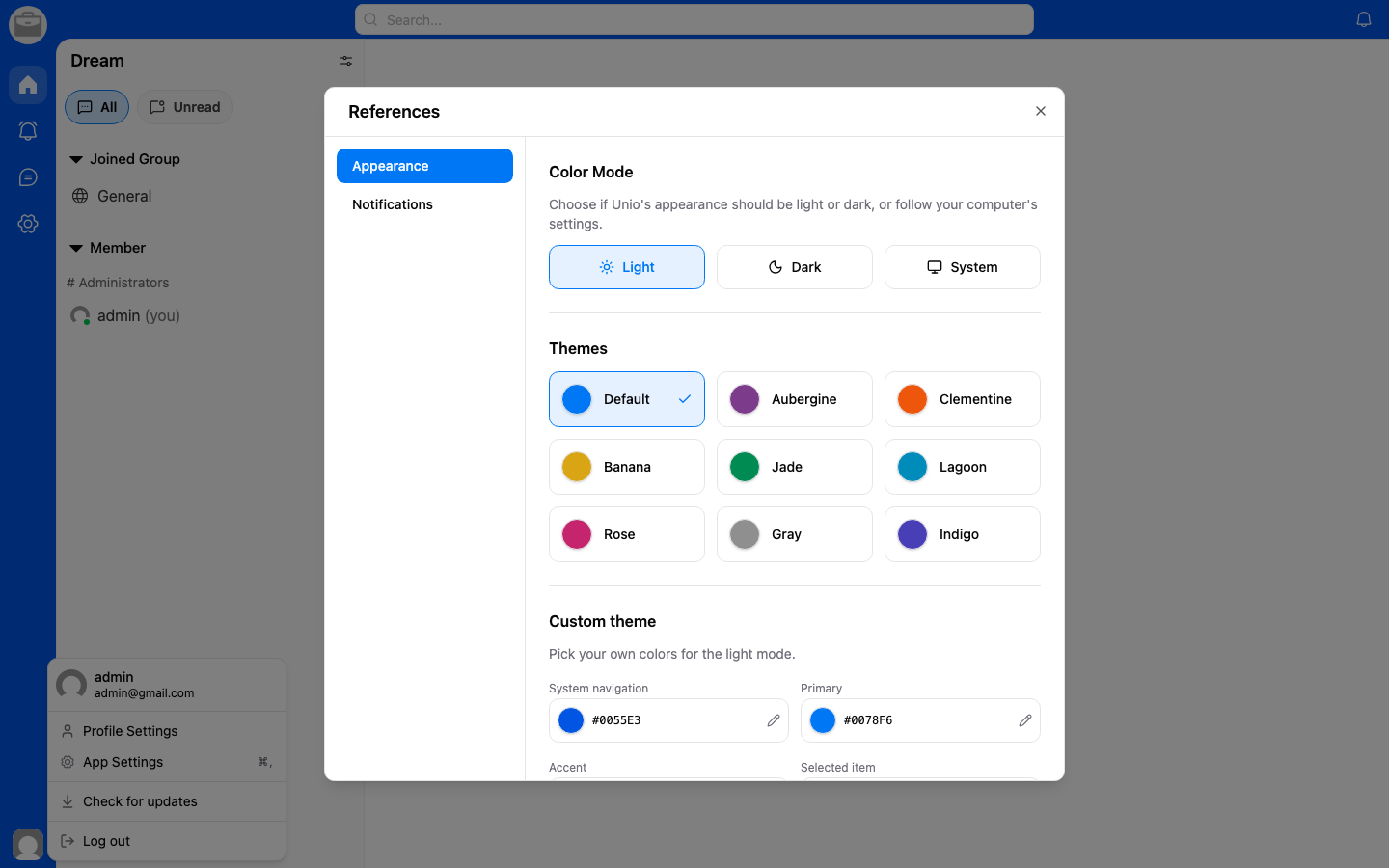
Access App Settings
- Go to Account Settings.
- Select App Settings.
Available Settings
- Appearance — Switch between light and dark mode, or follow your system preference.
- Language — Change the app interface language.
- Notifications — Configure notification preferences.
Platform-Specific Settings
Some settings may vary depending on whether you're using Unio on web, desktop, or mobile.